Turn screenshots into polished device mockups
Mockups that don’t look like everyone else’s. Drop in a screenshot or capture straight from a URL, frame it in a browser, phone or MacBook, style the background, and export in seconds.
Free to start · No signup to try · No watermark on your exports
Everything you need for a polished mockup
Real device frames
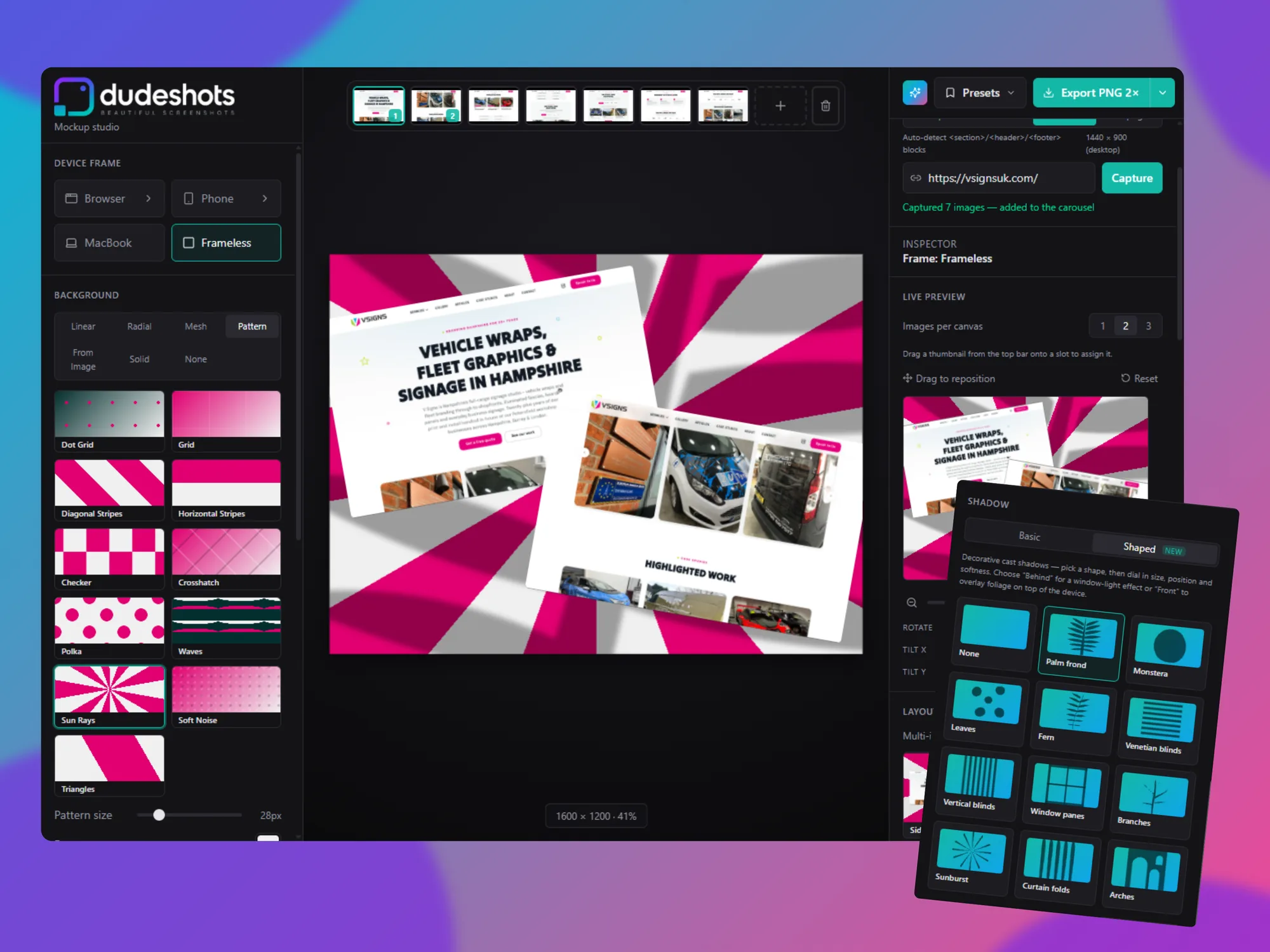
Browser chrome, MacBook, and a library of phone models — pick a frame and your screenshot drops right in.
Gradients, patterns & looks
Dozens of background presets plus glass, card, retro, and outline looks for the device itself.
Capture straight from a URL
Paste a link and grab the viewport, every fold, auto-detected sections, or the whole page — no separate screenshot tool needed.
Feature callouts
Drop bold headline cards onto the canvas to point at what matters, styled to match your frame.
Watermarking
Logo or text watermark, positioned and sized exactly where you want it, on every export.
One-click randomize
Not sure what looks good? Let it surprise you with a new layout, look, and background combo.
Popular tools
Jump straight to the mockup you need — each one’s free to try.
Frequently asked questions
Is DudeShots free?
Yes. You can frame a screenshot in a device mockup, style the background, and export a high-resolution image for free, with no signup required to try it. Pro is £5/month and unlocks the full colour, look and template library plus shaped shadows.
Do exports have a watermark?
No. DudeShots never stamps your exports. You can add your own logo or text watermark if you want one, but nothing is forced.
What frames can I use?
A clean browser window, a MacBook, and a library of real phone models — each with an accurate bezel and aspect ratio.
Can I make a mockup from a website URL?
Yes. Paste a link and DudeShots captures the page for you — the viewport, each fold, auto-detected sections, or the full page — then frames it. No separate screenshot tool needed.
Do I need to install anything?
No. DudeShots runs in any modern browser on any operating system. There's nothing to download and no Figma or Photoshop required.
Ready to make your next screenshot look great?
Free to start. Upgrade to Pro any time for the full colour and template library, plus shaped shadows.
Launch the Studio